
Download Arrow Puzzle: Tap to Unblock - Free Logic Puzzle Game
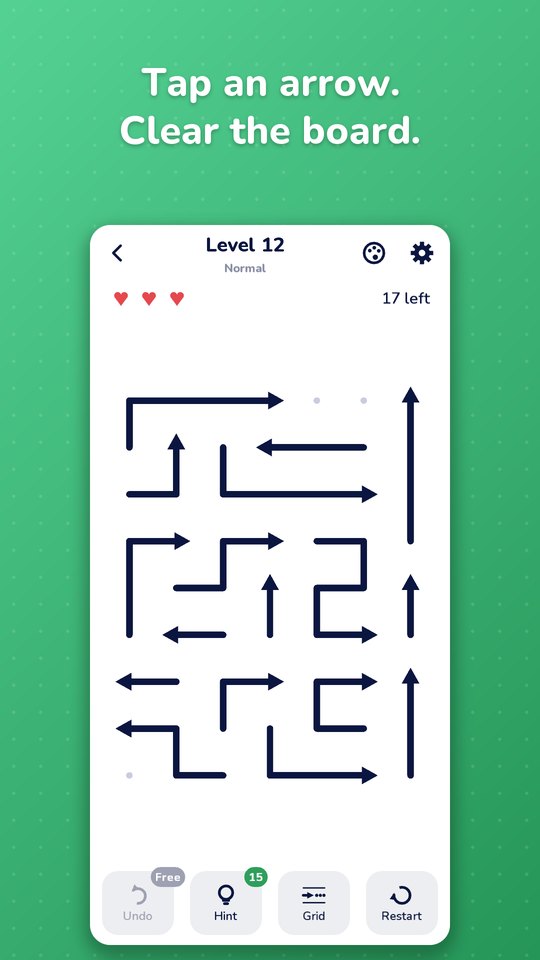
A crowded board, arrows curling in every direction - and somewhere in the middle is the first move that makes sense of the mess. Tap an arrow to slide it off the board; it only leaves if its path is clear. Hundreds of levels, a daily challenge and festive picture puzzles, all free on Google Play.
About Arrow Puzzle
Which Arrow Can You Tap Away First?
Arrow Puzzle: Tap to Unblock is a relaxing logic puzzle built around one simple question. Look closely at the paths, work out which arrow can leave safely, and tap it to clear some space. Every arrow you remove changes the board and opens new choices. The rules are simple - getting the order right is the fun part. Also try Sudoku Variants, Timepass Ludo and Timepass Carrom from Timepass King.
View All GamesEasy to Learn
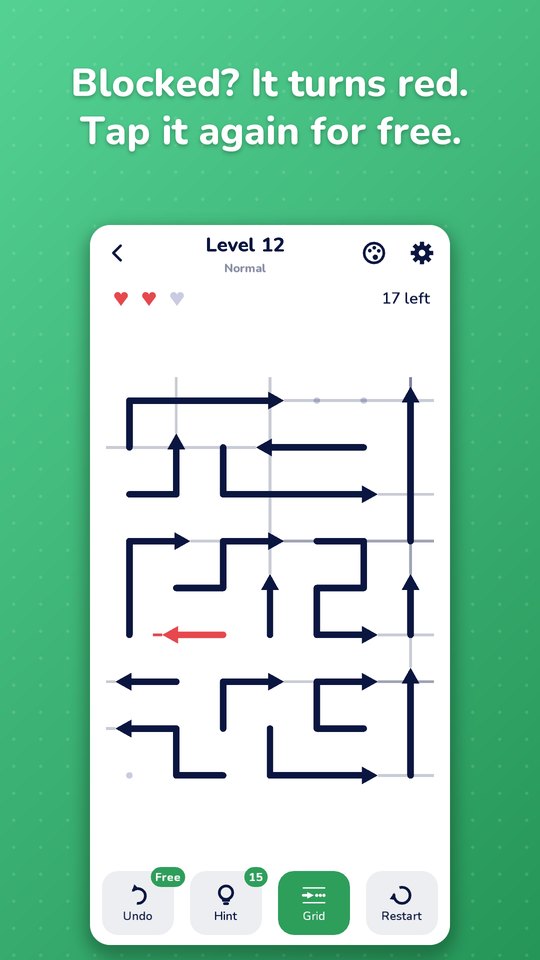
One tap per arrow. A blocked arrow turns red, and tapping it again is free.
New Twists
Locks and keys, bombs and rotators keep hundreds of levels fresh.
Daily Challenge
A new board every day, a streak to keep and a trophy for every month.
Fully Offline
Every level, the daily challenge and the events work without internet.
Features
A calm, fair arrow puzzle with something new every few dozen levels.
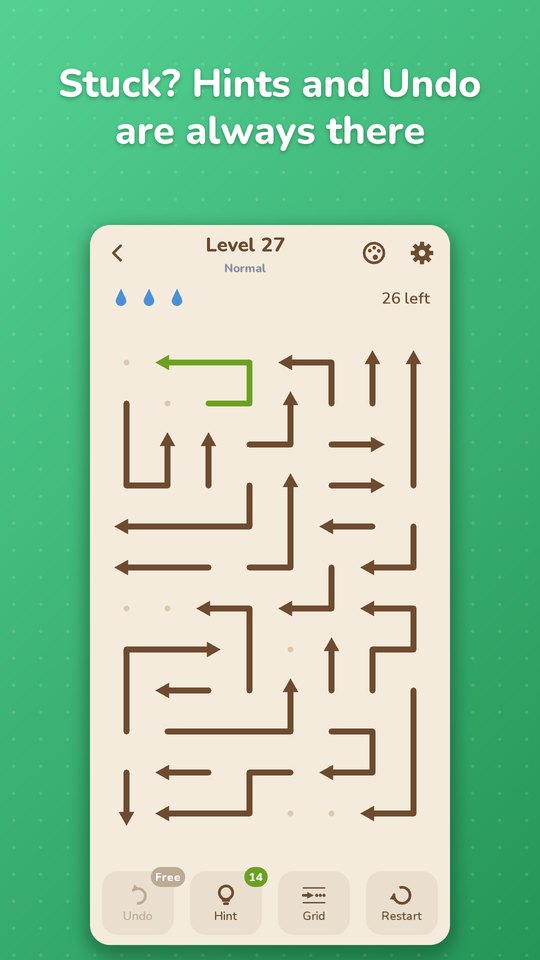
Stuck? Help Is Always There
Fair to the player, every time.
- Hint shows the arrow that frees the most of the board.
- Undo and Restart, plus a Grid to trace long paths.
- Three lives per level, and a blocked arrow can be tapped again for free. Zen mode if you just want to relax.
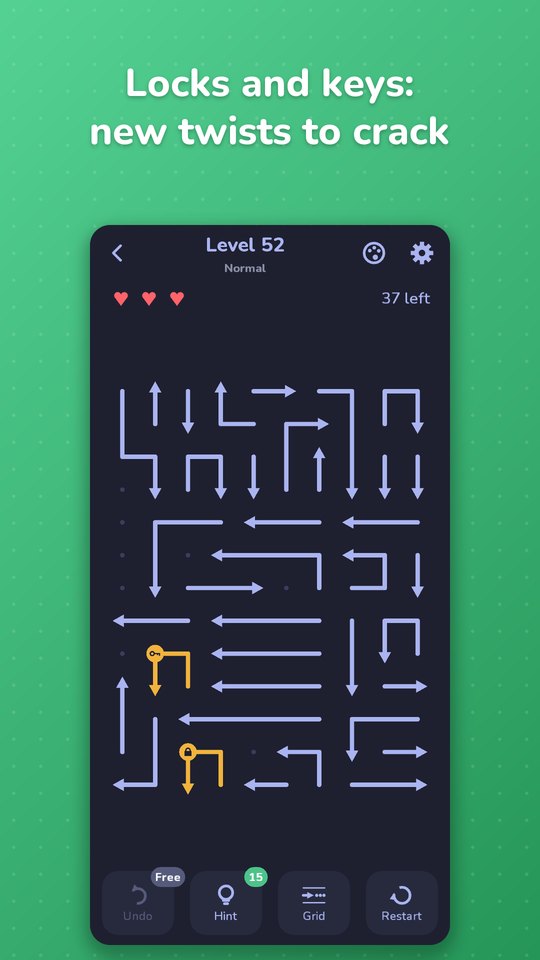
Locks, Bombs & Rotators
New twists to crack as you climb.
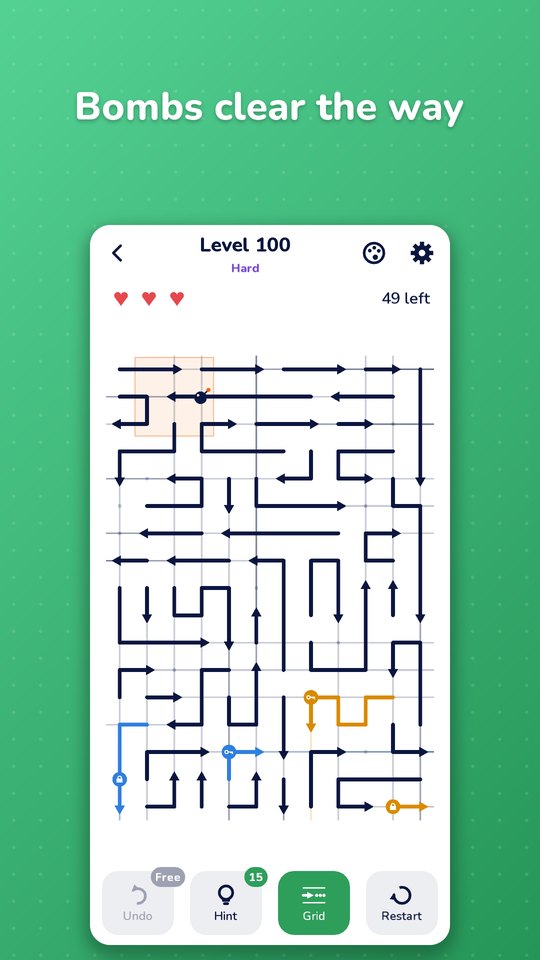
From level 50, locked arrows wait for their key. From level 100, bombs clear the way around them. From level 151, rotators turn every arrow that passes over them. Each new twist starts with easy learning levels.
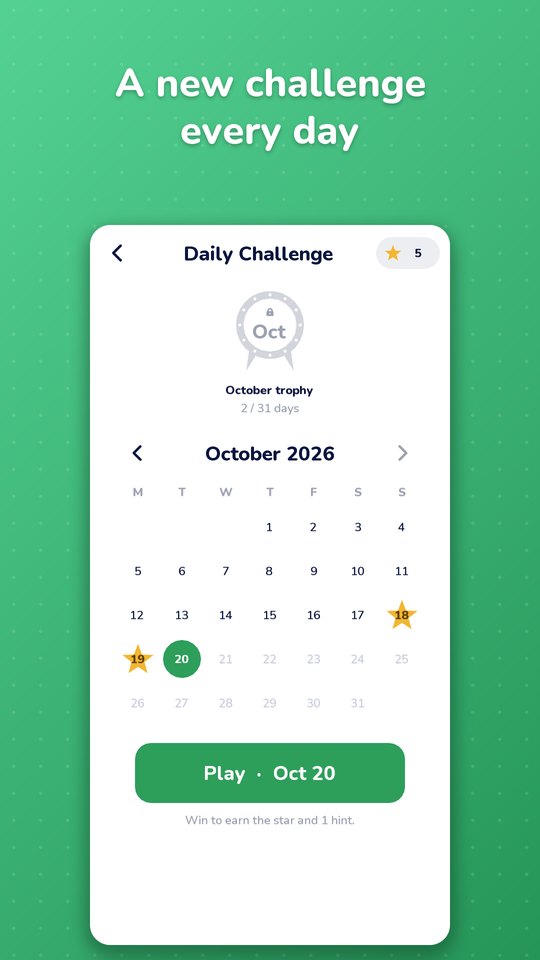
Daily Challenge & Festive Puzzles
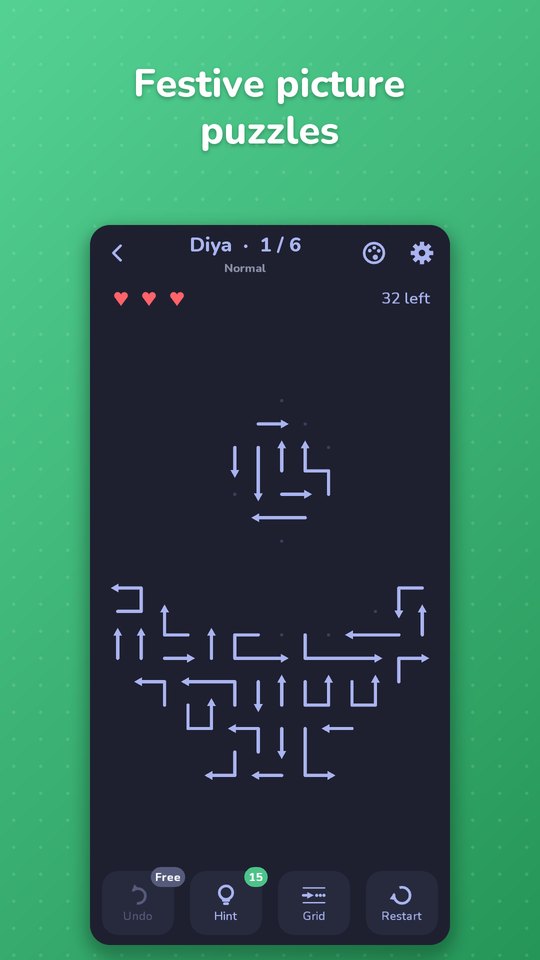
A new board every day, the same for every player. Keep your streak going and fill the month for its trophy. Festive events bring picture puzzles - shaped like a diya, a rangoli and more - for a limited time.
- Leaderboards and achievements with Google Play Games.
- A level editor: draw your own board and send it to a friend.
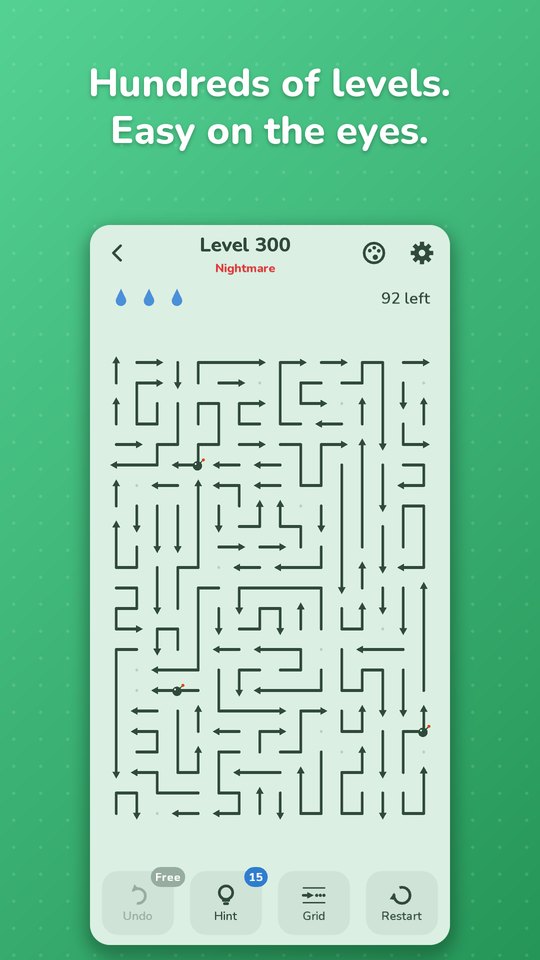
Hundreds of Levels, Easy on the Eyes
Play a level in a spare minute, or keep going.
Four themes - Light, Dark, Paper and Eye Comfort - keep long sessions relaxing. Pinch to zoom on big boards, and play in English or Hindi.
How to Play Arrow Puzzle
The rules are simple. Getting the order right is the interesting part.
- Look: study the board and find an arrow with a free path to the edge.
- Tap: the arrow slides along its path and off the board.
- Blocked? If another arrow is in the way, the arrow turns red and you lose a life. Tapping a red arrow again costs nothing - leave it for later.
- Lives: you have three per level. Out of lives? Restart the same board.
- Locks and keys: a locked arrow can't move until its key arrow has left the board.
- Bombs: when a bomb arrow leaves, it clears the arrows around it.
- Rotators: an arrow that passes over a rotator turns with it.
- Win: clear every arrow. Three stars for at most one mistake and no hints.
App Screenshots
See Arrow Puzzle in action - locks, bombs, the daily challenge, festive puzzles and four themes.
Frequently Asked Questions
Answers about Arrow Puzzle - the rules, hints, sharing levels, offline play and support.
Is Arrow Puzzle free to play?
Yes. Arrow Puzzle: Tap to Unblock is free to download and play on Android. Videos are always your choice; a one-time Remove Ads purchase turns off the other ads.
How do I play Arrow Puzzle?
Tap an arrow to slide it off the board. It only leaves if its path to the edge is clear. If something is in the way, the arrow turns red and you lose a life; tapping a red arrow again is free. Clear every arrow to win.
What happens when I am stuck?
Use a Hint to see the best arrow to tap, Undo your last move, or turn on the Grid to trace paths more easily. Zen mode lets you play without losing a level.
How do I share a level with a friend?
After a win, tap Share and send the link on WhatsApp or any app. Your friend taps the link and the same board opens in the game. Without the game, the link opens Google Play. You can also make your own level in the level editor and share it the same way.
Can I play Arrow Puzzle offline?
Yes. Every level, the daily challenge and the events work without internet.
Is Arrow Puzzle available in Hindi?
Yes. The game is available in English and Hindi. You can change the language from Settings.
How do I contact support?
Email [email protected] or use the contact form below. Include your device model, Android version and app version, and a screenshot if possible.
Contact
Questions, feedback, or partnership ideas? We’d love to hear from you.
Address
India • Serving players worldwide
Support Hours
Mon-Sat, 10:00-18:00 IST